WhatsApp AI Chatbots for Malaysian SMEs: A Practical 2026 Guide
Learn how a business-aware chatbot can answer routine questions, qualify leads, book appointments, and bring a human into the chat at the right moment.
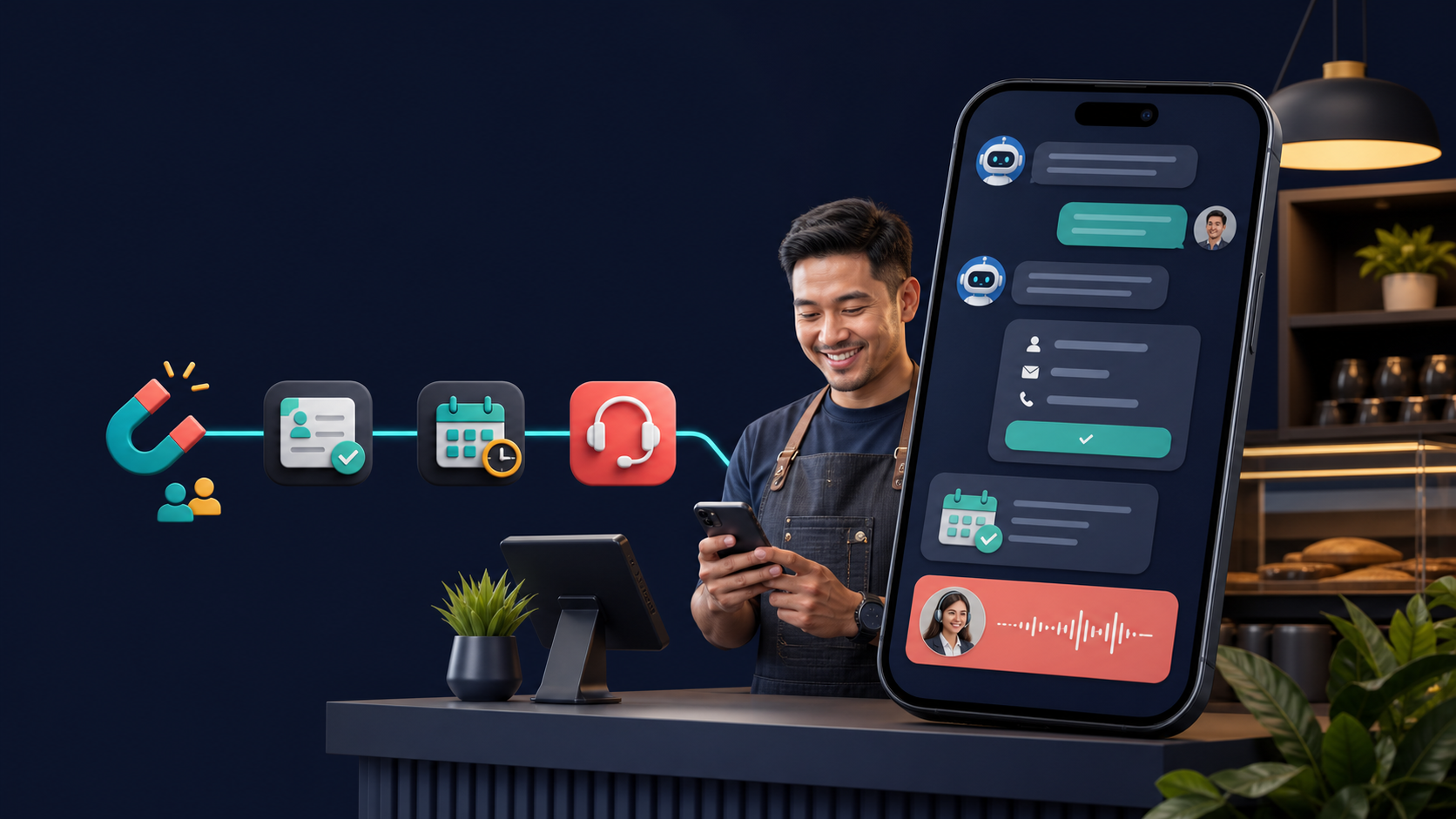
For many Malaysian businesses, WhatsApp is already the place where a sale begins. A customer asks about price, availability, location, or an appointment. The challenge is replying quickly and moving the conversation forward while the customer is still interested.
Why WhatsApp AI matters
A slow reply is only one part of the problem. Leads are also lost when a conversation has no structure. The customer receives an answer, but nobody asks for their location. An appointment is discussed, but the date is not recorded. A follow-up is promised, but the reminder disappears inside a busy inbox.
A well-designed WhatsApp chatbot turns those loose messages into a simple operating process. The conversation still feels natural while the business receives organised contact details, conversation history, appointment information, and clear handover signals.
The useful question is not simply whether AI can answer messages. It is whether the system helps each enquiry reach the right next step.
What an effective WhatsApp AI flow should do
- Reply immediately to acknowledge the enquiry and answer common questions.
- Use approved business knowledge about services, packages, opening hours, locations, and policies.
- Qualify the lead by collecting the customer's name, service, location, and preferred date.
- Trigger the next action, such as an appointment, staff notification, or follow-up.
- Bring in a person for complex, sensitive, or high-value conversations.
A practical service-business example
Imagine an air-conditioner service company receiving a message at 9:30 pm. The chatbot asks whether the job is for a home or office, how many units require servicing, the location, and the preferred date. It can then record an appointment request for the team.
If the customer asks about a technical exception or complaint, the chatbot should stop guessing and request human assistance. The next morning, the team sees a qualified enquiry with context instead of a single unanswered message.
What to automate
- Frequently asked questions
- Service and package information
- Lead detail collection
- Appointment requests
- Routine status updates
Where a person should stay involved
- Complaints or sensitive matters
- Complex quotations
- Unusual policy exceptions
- High-value negotiations
- Anything the approved knowledge cannot verify
A practical setup checklist
- Gather approved service descriptions, prices, operating hours, locations, FAQs, and policies.
- Decide whether each conversation should answer a question, capture a lead, request an appointment, or reach a person.
- Define a clear fallback for questions the chatbot cannot verify.
- Keep outbound business messages useful, expected, and compliant with WhatsApp requirements.
- Track qualified contacts, appointments, follow-up outcomes, and frequently asked questions.
The best chatbot feels like part of the business
A useful chatbot should sound consistent with the company, use information the business has approved, and know when to step aside. When those pieces are connected, WhatsApp becomes a reliable path from first question to qualified enquiry, appointment, and human conversation.
Build the right flow
See how AI could fit your business
Tell us how your team handles enquiries today. Nexvise Solution can map a chatbot and automation flow around your actual sales process.
Enquire with Nexvise